
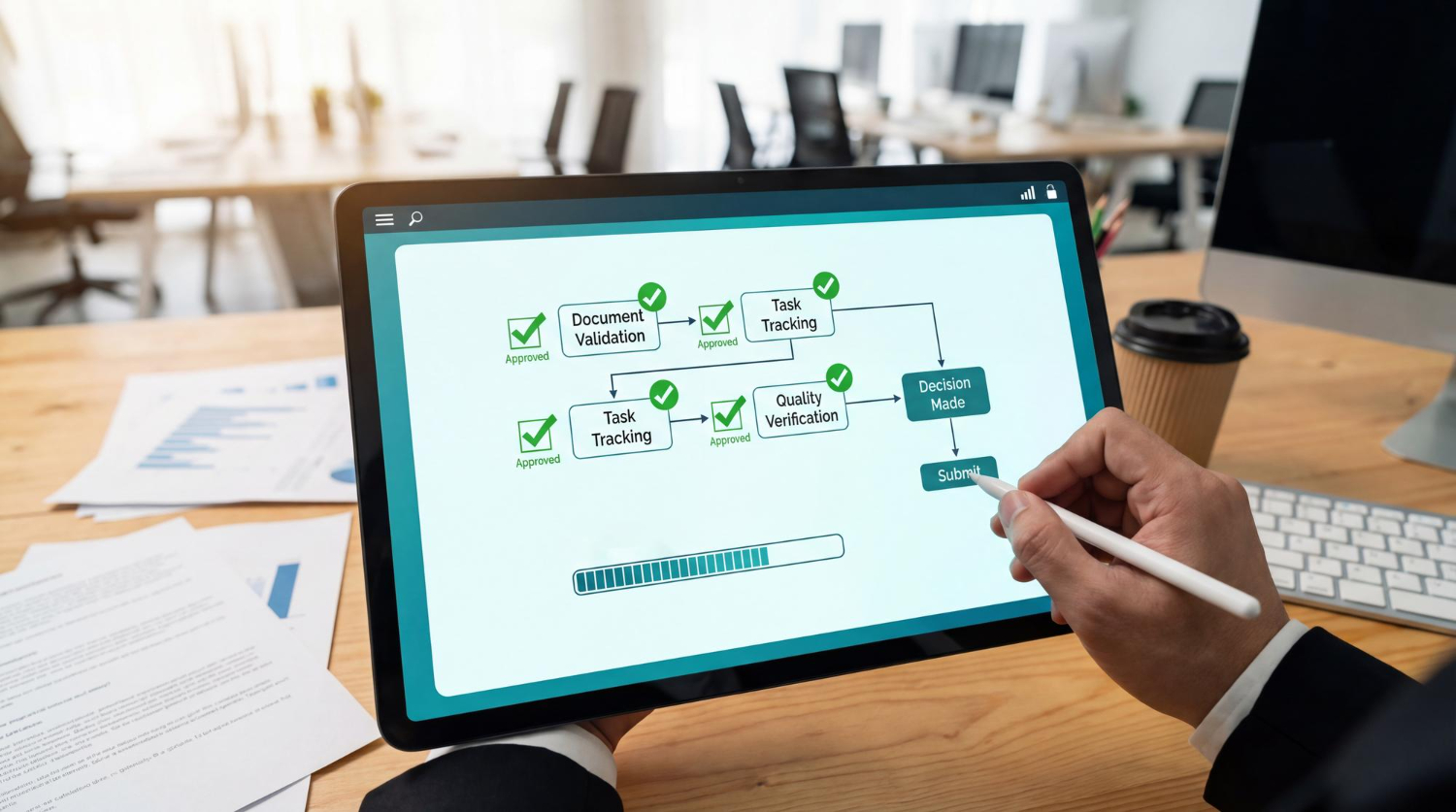
How Businesses Double Their Speed with Task Splitting
Time is one of the most precious assets in any business. Yet teams lose hours every day due to unclear tasks, constant coordination, and inefficient workflows. This is where Task Splitting comes in—a proven approach that helps companies boost productivity and accelerate project delivery significantly.
When combined with AI-powered Task Splitting, it creates a real competitive edge: tasks become clearer, processes more transparent, and teams more focused than ever before.
What Exactly Is Task Splitting?
Task Splitting means breaking down complex tasks or projects into clear, manageable steps. Instead of facing one large, vague assignment, you get structured subtasks with defined goals, responsibilities, and priorities.
This reduces:
-
mental overload
-
team back-and-forth
-
delays caused by uncertainty
and ensures work is ready to start immediately.
Why Traditional Task Management Often Falls Short
Many companies rely on to-do lists, project plans, or ticket systems—and still struggle with:
-
vague task descriptions
-
overly large work packages
-
missing dependencies
-
incorrect prioritization
The issue rarely lies with the tool itself, but with how tasks are structured.
Task Splitting addresses this exact challenge.
How Task Splitting Doubles Work Speed
1. Clarity Replaces Constant Coordination
When tasks are broken down into clear, actionable steps, most internal questions disappear. Team members know exactly what needs to be done, when, and to what extent.
2. Parallel Work Becomes Possible
Large tasks often bottleneck teams. Dividing work into smaller parts enables multiple people to work simultaneously on different subtasks.
3. Faster Progress Boosts Motivation
Completing small tasks creates visible progress, which fuels motivation and reduces procrastination often triggered by overwhelming projects.
Task Splitting with AI: The Next Evolution
Manual Task Splitting is effective but time-consuming. That’s where artificial intelligence steps in.
AI-powered Task Splitting can:
-
analyze complex tasks
-
suggest meaningful subtasks
-
identify dependencies
-
organize priorities
This creates an actionable task structure in seconds—something that would otherwise require extensive experience and time.
Where Task Splitting Shines in Business
Task Splitting is especially valuable for:
-
project management
-
process optimization
-
marketing and campaign planning
-
IT and software development
-
internal organization and strategy tasks
Anywhere tasks are complex or hard to grasp, Task Splitting delivers real impact.
Common Pitfalls in Task Splitting
Even Task Splitting can be misapplied. Typical mistakes include:
-
breaking tasks down too small or into overly detailed fragments
-
lack of prioritization
-
no clear definition of “done”
-
splitting without a clear overall goal
The solution lies in a well-structured framework combined with smart tools that keep everything on track.
Why Task Splitting Is a Real Competitive Advantage
Companies that consistently apply Task Splitting enjoy:
-
shorter project timelines
-
more predictable resource planning
-
higher team productivity
-
less stress and fewer friction losses
Paired with AI, Task Splitting becomes not only more efficient but also scalable—regardless of team size or industry.
Conclusion: Faster Work Starts with Better Tasks
It’s not about doing more work, but about working smarter and more structured that drives speed.
Task Splitting brings clarity, focus, and momentum—especially when enhanced by intelligent AI support.
Businesses adopting this approach early gain a clear head start.
Implement Task Splitting Effectively in Your Company Today
Looking to:
-
deliver projects faster
-
lighten the load on your teams
-
structure tasks clearly
-
boost productivity sustainably
Then AI-powered Task Splitting is the natural next step.
Discover more on our page about Task Splitting and AI workflows
Facebook
Twitter
WhatsApp
Email
Popular Categories
- AI Tools
Latest Articles
Try for Free – Exclusively for Businesses
Test our AI tools and save time on meetings, HR, documents, and processes.